
Why excalidraw is the Perfect Canvas for Feedback Annotations
If you've ever tried to get feedback from a client, you know the pain. "Make it pop." "Can you move that thing?" "The button feels off." Cool, which button? What thing? Pop how?
We knew visual feedback was the answer. Clients needed to show us as web developers what they meant, not struggle to describe it over Email or SMS. But here's the thing - choosing/creating the right annotation tool was more difficult than we thought.
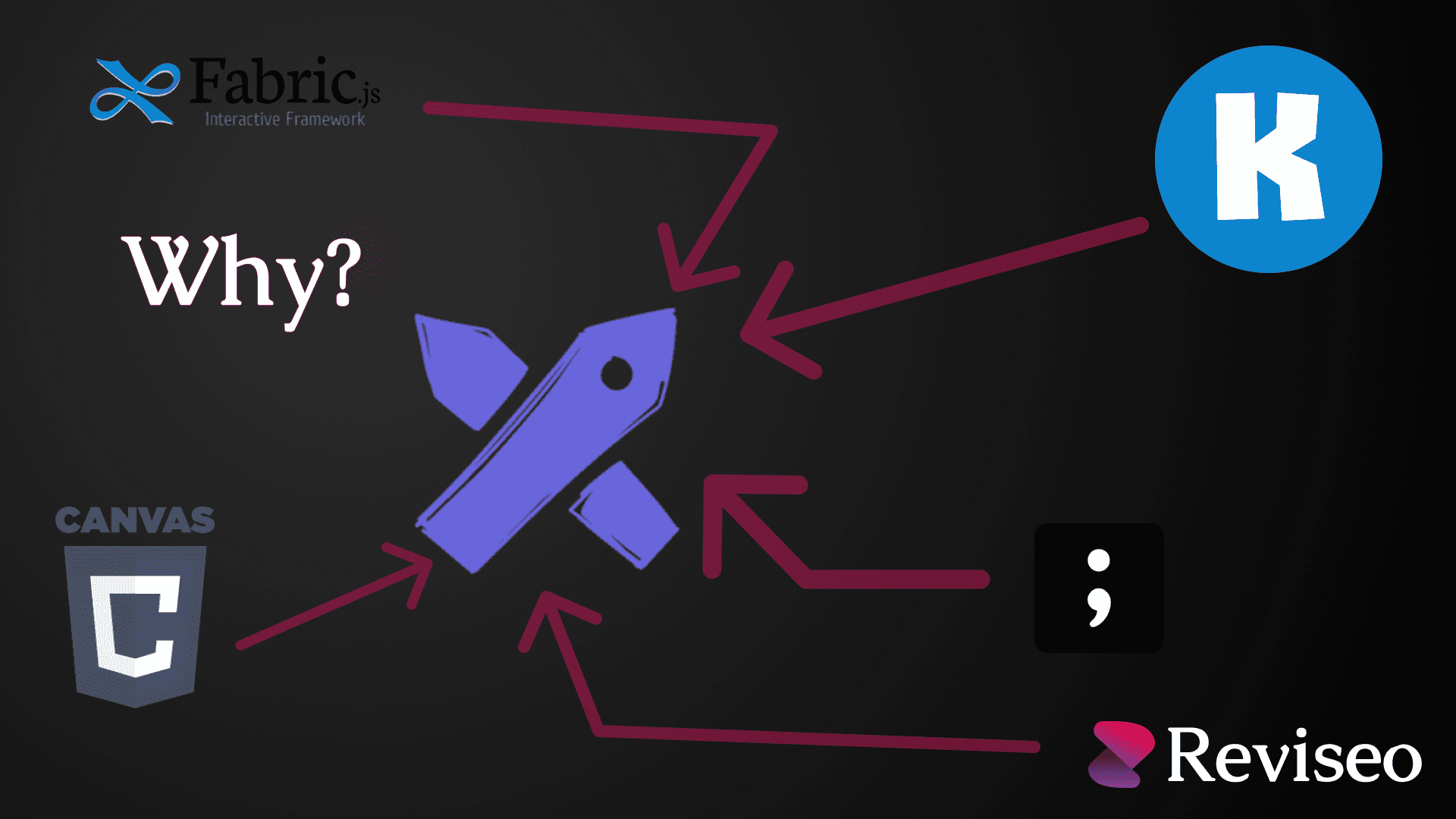
At first, we created and tested our own custom canvas solution, built with tools like Fabric.js, Konva, and even (very briefly) the plain Canvas API; but no matter how we implemented our Canvas, something was always wrong with it, whether it was undo/redo, zooming, panning, or anything else, nothing felt polished or natural.
Then we found Excalidraw
The handrawn, sketchy aesthetic, makes Excalidraw not just another drawing whiteboard tool - it was the right tool for client feedback. It felt human. Approachable. Like grabbing a marker and sketching on a whiteboard, not wrestling with design software.
In this post, I'll break down exactly why Excalidraw became the heart of Reviseo's feedback widget - and why ti might be the perfect choice for your projects as well.
And why we had to let tldraw integration go at the end.
The Human Touch - Hand Drawn Aesthetic
Here's the uncomfortable truth about most annotation tools: they look like software. Cold, precise, geometric. Red rectangles with pixel perfect corners. Bolded text with eye straining borders. They scream "I am a design tool, and you need training to use me."
Your clients aren't designers. They're business owners, marketers, creatives - people who just want to point at what they need changed without feeling like they need a certification.
Excalidraw's tooling, design, and all the above just make sense.
When clients see that sketchy style, something clicks. To them it doesn't feel like "using software." It feels like having a conversation. Your feedback tool should fade into the background and let your clients focus on communicating with you easier. Excalidraw does exactly that. It's a software for communicating, and in the world of client feedback, thats everything for both your client and yourself.
Battle Tested & Trusted
Excalidraw isn't some weekend project that might disappear. It's a full fledged, actively maintained open source tool used by hundreds of thousands of people. We're talking developers, designers, product managers, educators - people who've made Excalidraw a part of their daily workflow because of it's many useful factors like described above.
The GitHub stats tell the story: 109k+ stars. Over 340+ contributors. Commits being made very often. Excalidraw is a proven project with a community behind it.
Compared to existing feedback tools, with their custom Canvas solutions, Reviseo's use of Excalidraw makes it superior.
One of my biggest pet peeves:
Existing tooling lock you to the viewport with just one zoom toggle button. You can't even press Ctrl +/- to zoom! You have to click a button to zoom, and pan. So why create that friction for the non technical clients of yours?
It's proven. It's trusted. It's not going anywhere.
What We Considered (Alternatives)
Look, I'm not here to trash other libraries. Every tool we evaluated is genuinely good at what it does. But "good" and "right for client feedback annotations" aren't the same thing.
I already discussed how we tried to roll our own canvas tooling - let me walk you through what we tested, and why we ultimately chose Excalidraw as our default (with a plot twist at the end)
I'll keep these short.
Fabirc JS - Small Pet Peeves
Fabric JS was great, it already had many canvas features out of the box, such as creating objects, moving objects around, resizing, color, and all the in between.
But some stuff were just very off, and we couldn't seem to fix them:
One of these was when you resized anything with Fabric, there was always this lag where the object would be very blurry for a whole second and then become normal.
Another example of this was zooming and panning. Now this is most likely an error on my part because I didn't put in the time to implementing it, and gave up after a little bit - I just couldn't for the life of me get that Figma style smooth zoom I desperately wanted with mouse gestures for Reviseo.
The last issue with Fabric is text. This was the most important part of the Canvas, it had to be perfect, but it wasn't, because Fabric's text element just didn't work no matter the countless hours spent trying to debug the issue. Although looking back at it, it was most likely an issue with the fact that the Canvas was on a Base UI dialog, but thats just speculation.
These seem like very insignificant issues - but the whole goal was creating the seamlessness for clients and these small issues piled up to the point where I called it quits.
Raw Canvas API - Doesn't Need an Explanation
Do I even have to explain myself? I'll be blunt, I was not trying to write my own Canvas editor implementation. So right after something broke, I wasted no time to restart and look for something else✌️.
Tldraw - Tempting Competitor
Now this one hurt.
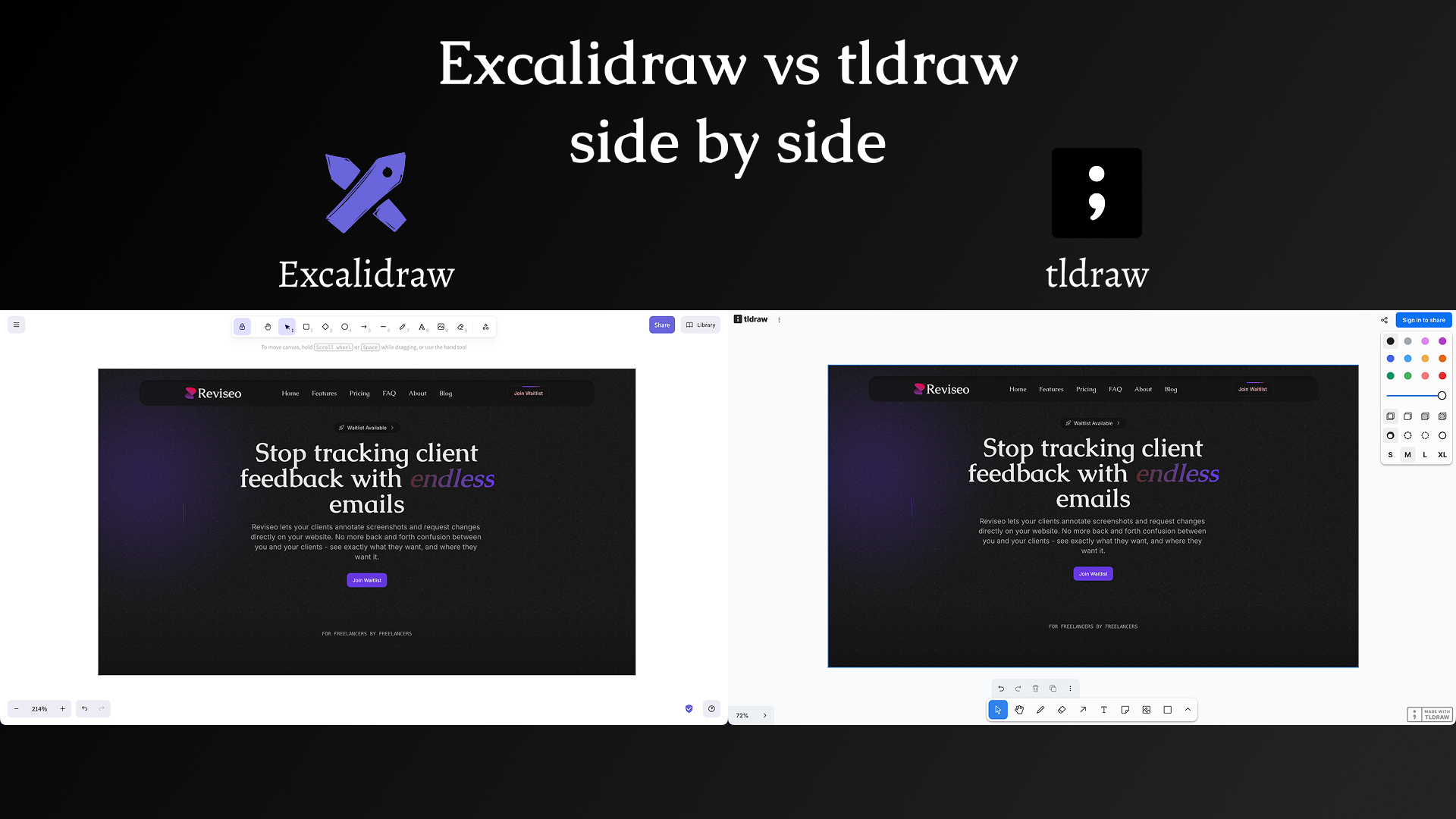
Tldraw is just as equally amazing as Excalidraw, as a matter of fact I found it and implemented the Reviseo widget with it at first. The developer experience in terms of the SDK is much better compared to Excalidraw, because tldraw was meant to be used as a whiteboard library. While Excalidraw also did this, the DX was no where near as great as tldraw.
After I had built the prototype, I loved it, I was very happy after spending too much time on other Canvas libraries.
Then I read the license.
tldraw isn't just open source - it's source-available with commercial restrictions. For production use, you need to buy a license - $6,000 a year! This would be a good choice if we were building a large enterprise tool. But for a product like Reviseo where our ICP is freelance web developers, we'd have to put that charge on our customers; we promise we won't do that.
Conclusion Why Excalidraw Won
It hit the sweet spot:
- Human feeling enough that clients actually use it
- Battle-tested enough that we trust it in production
- MIT licensed so we can ship without legal anxiety
- Actively maintained so we're not betting on abandonware
Could we have made the others work? Sure. But Excalidraw didn't just work—it felt right.
And for a tool that's supposed to make communication easier, "feels right" matters more than any feature checklist.
What Does Excalidraw Look Like In Reviseo
Demo Coming Soon